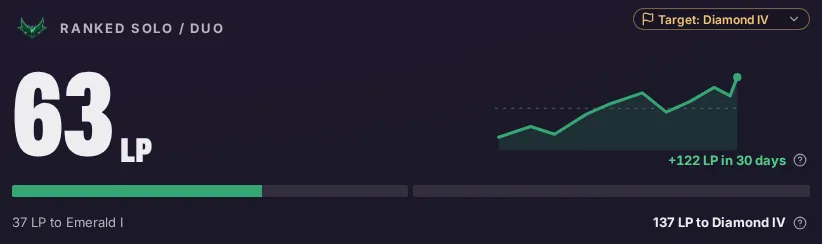
Hubra tracks your LP toward a goal
Choose a target rank. The home screen shows the LP left to it and your last 30 days.
Hubra reads the League client on your PC. It ranks your champions against your lane opponent from your own games, shows an in-game overlay and can record every game for review.
Windows 10 and 11, 64-bit. Free software under the GPL v3.0. The public download is not open yet.
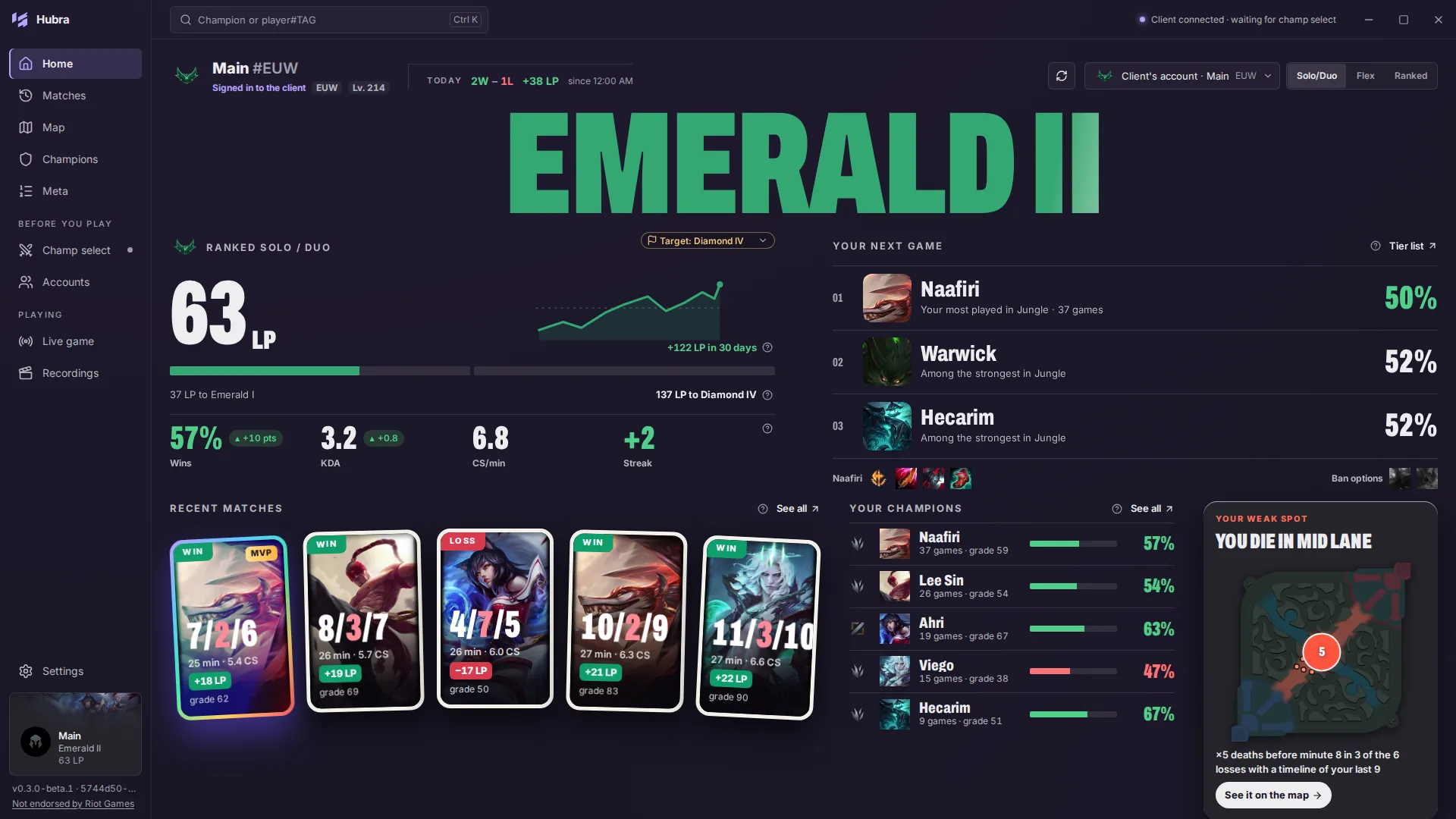
Hubra orders your champions for the role against your lane opponent. Each one shows your record and a score from the global win rate and your own games, never a chance to win. One click sends runes, spells and items to the client.

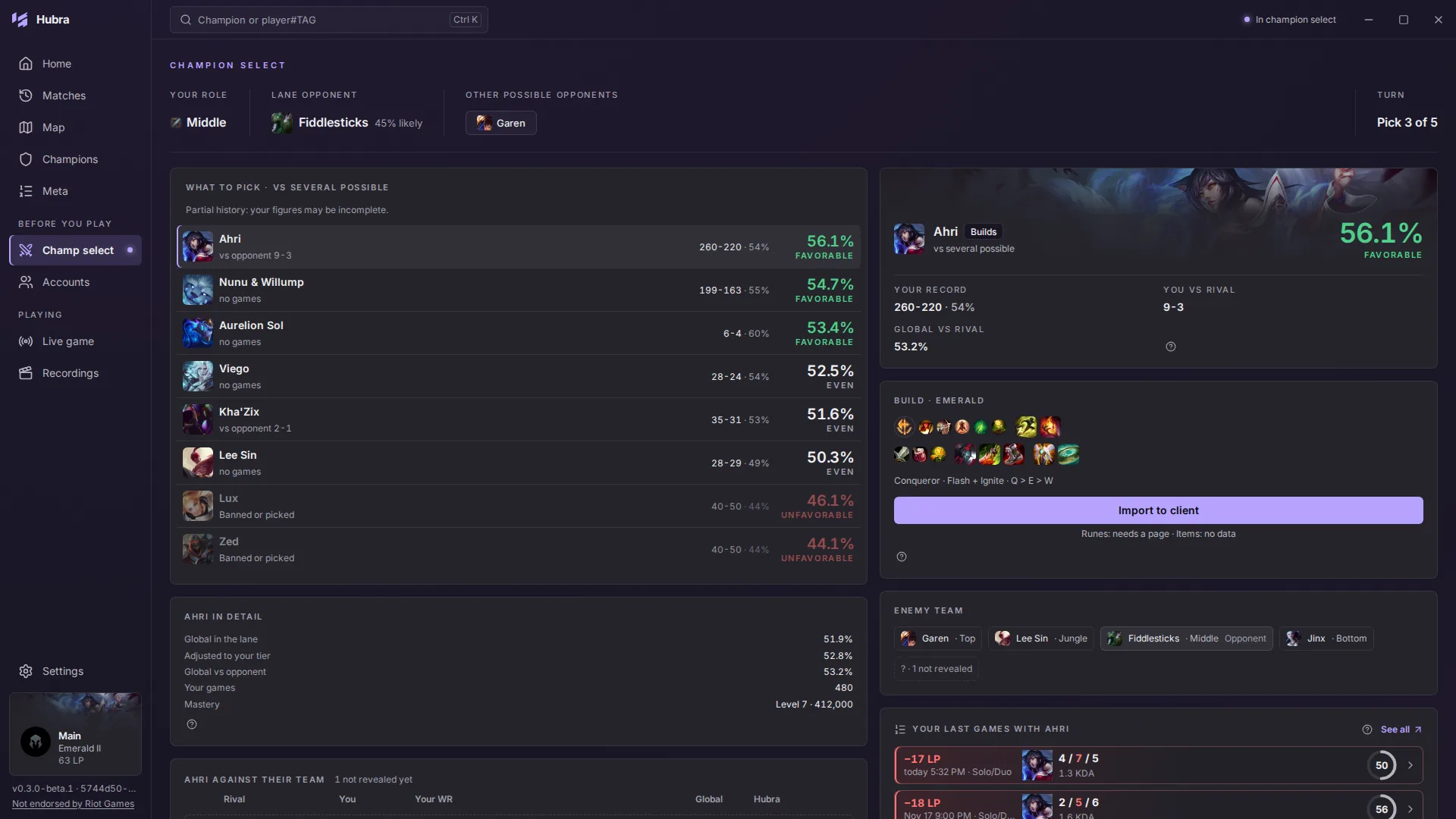
An optional overlay sits over the game: the ten champions by role, objective timers from the game's own events, your CS per minute and the build route you imported in champion select.
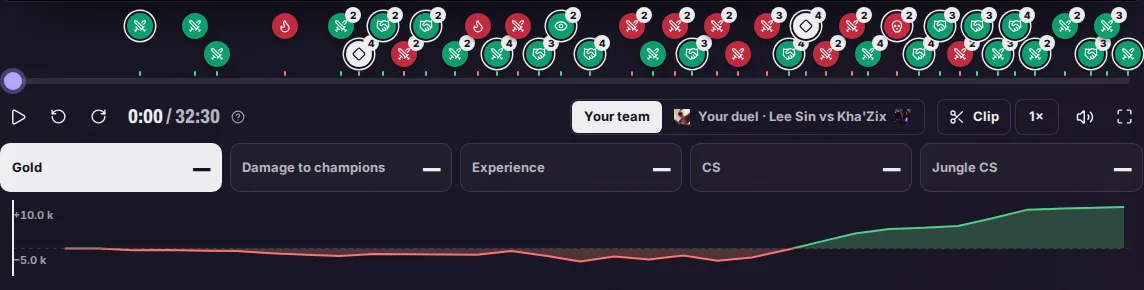
Hubra records the whole game and marks kills, objectives and towers on its timeline. Open a recording to jump to a moment, compare your lane and cut a clip.
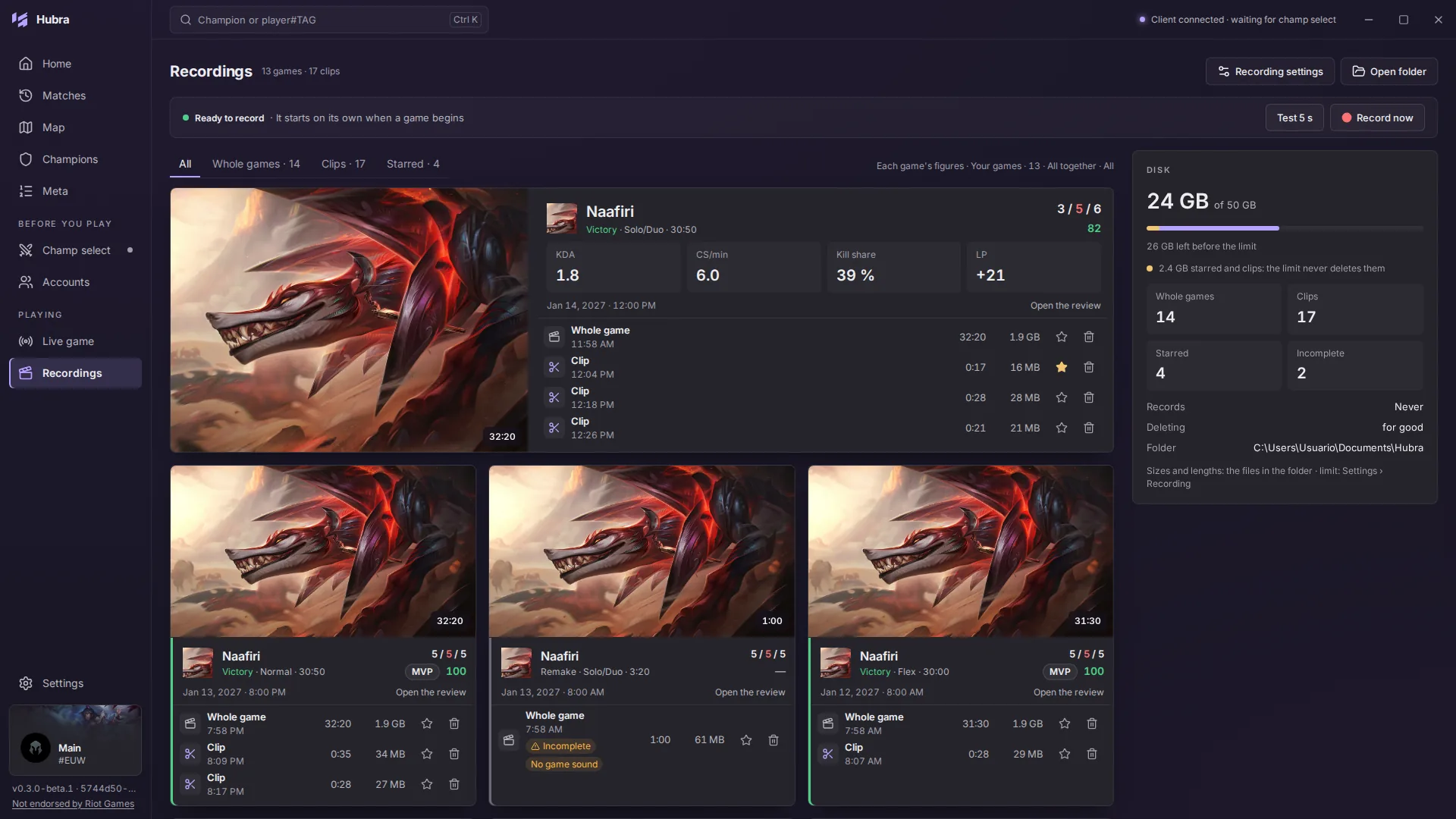
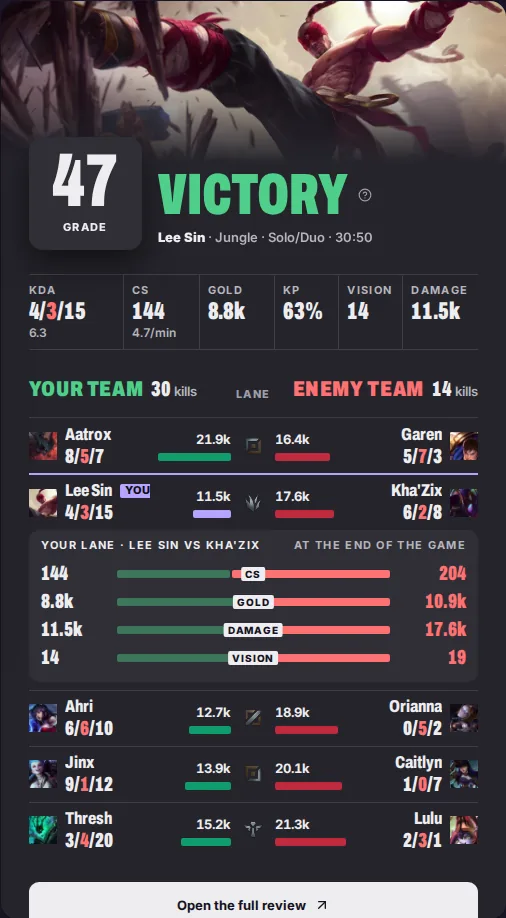
Review
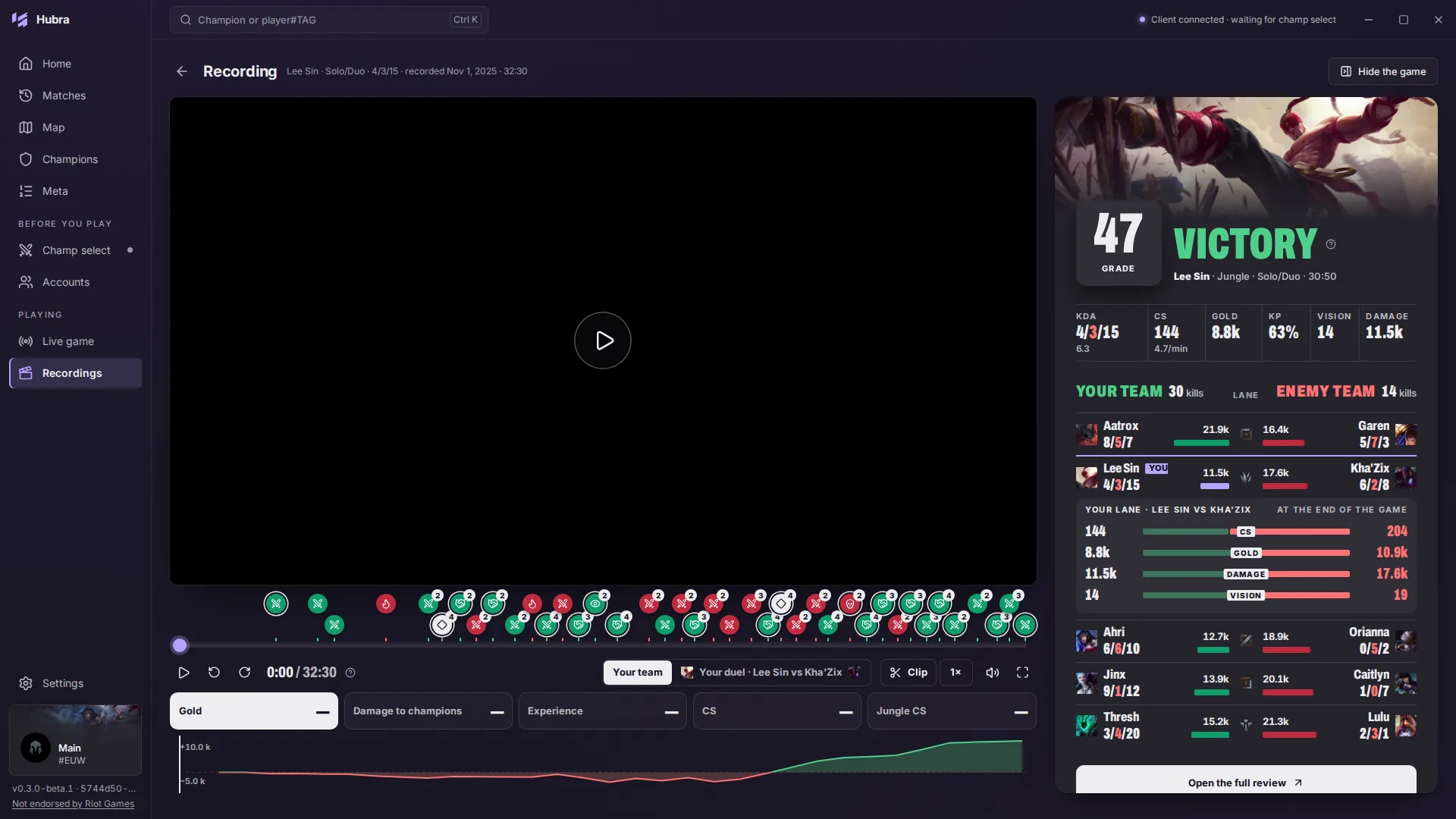
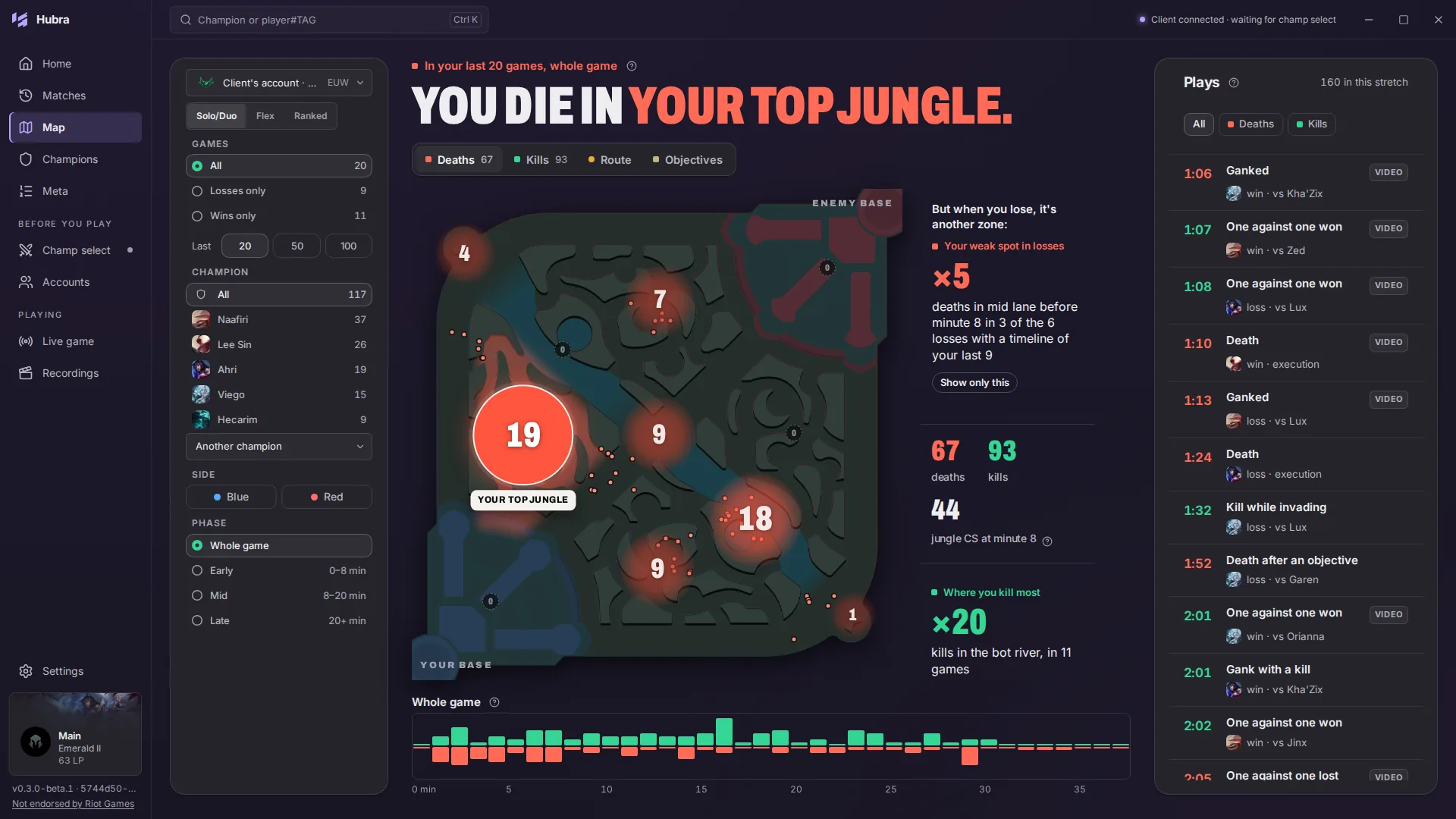
Hubra keeps your own games on your PC and turns them into these numbers, by queue, champion and role.
Choose a target rank. The home screen shows the LP left to it and your last 30 days.
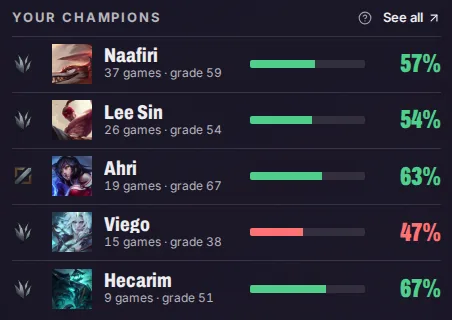
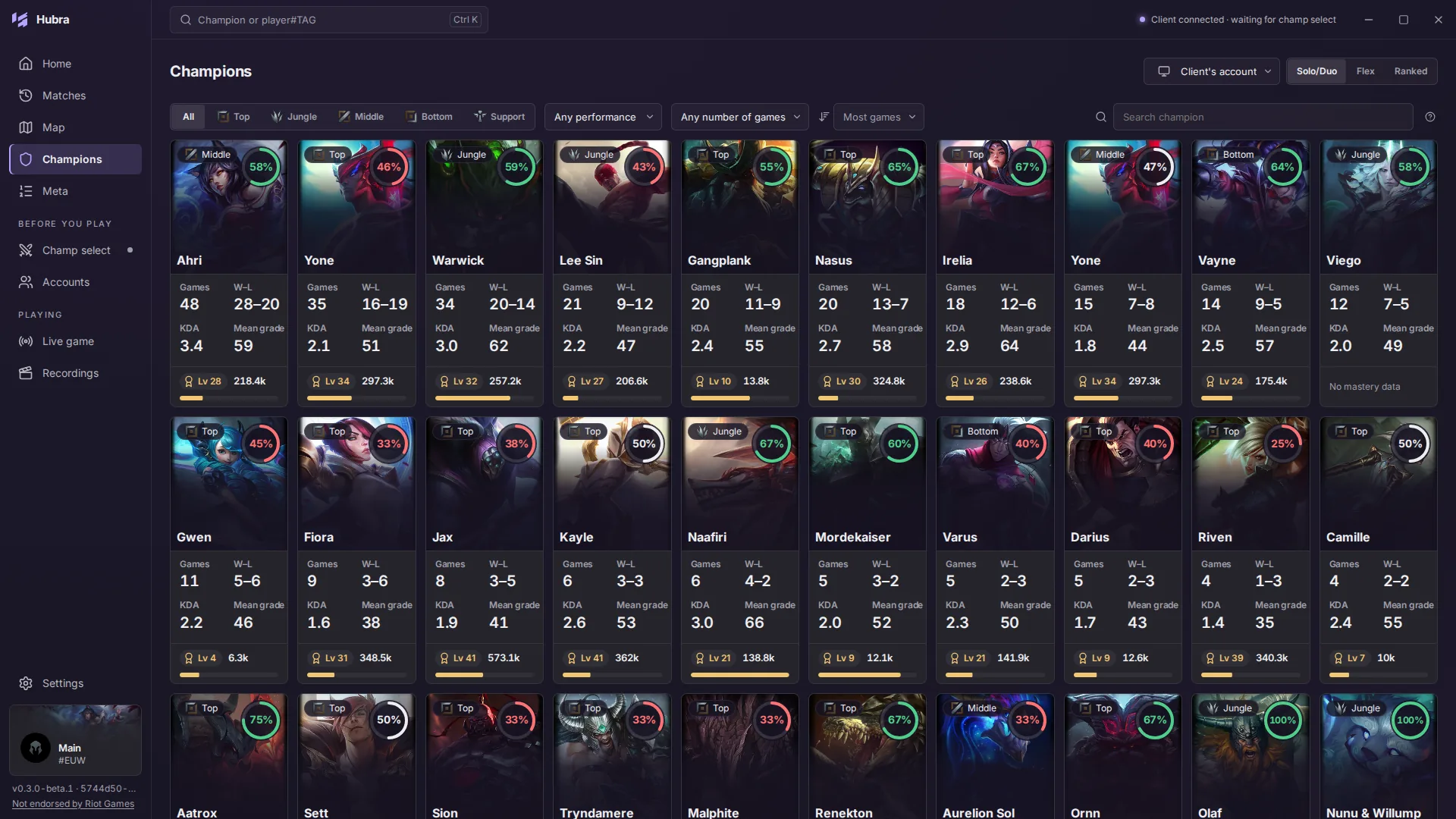
Games, win rate and average grade for each champion, counted from your own match history.
The games
Many games. One hub. Hubra starts with League of Legends: champion select, the overlay, recordings and review. Teamfight Tactics and Valorant come later.
Not yet. A public release needs a production API key from Riot Games, and Hubra does not have one. There is no date.
No. Riot Games does not endorse Hubra. Its game data comes only from the League client, Live Client Data and Riot's official API; the global statistics come from lolalytics.
No. Hubra never reads or writes the game's memory and injects nothing into it.
On your PC, in a folder you choose. Recording is off until you turn it on.
League of Legends. Teamfight Tactics and Valorant come later.
Nothing. Hubra is free software under the GNU GPL v3.0, with no ads.

Download status
The status page lists what is built and what is pending.
See download status →